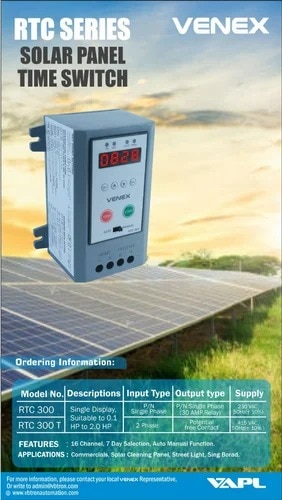
Description
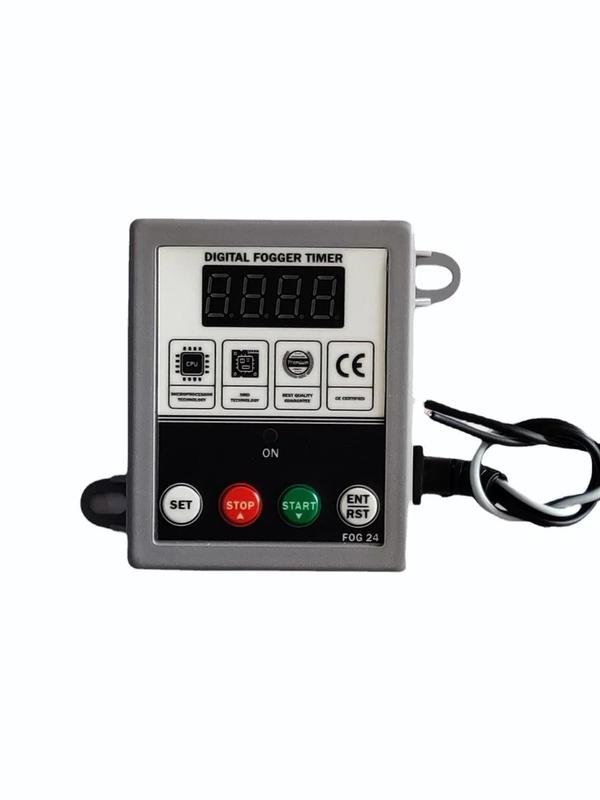
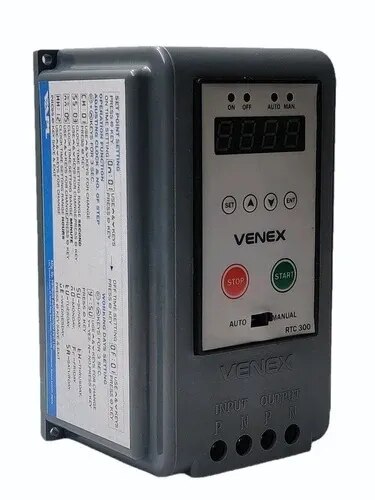
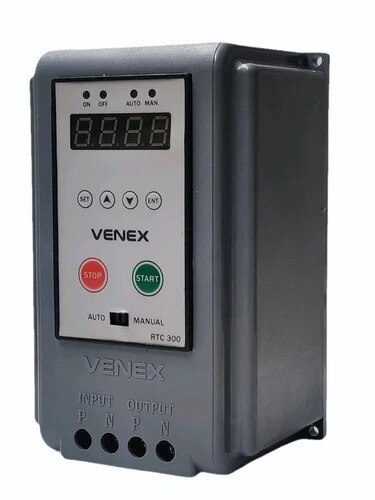
Prominent & Leading Manufacturer from Ahmedabad, we offer venex rtc 300 digital timer switch and fog 24 fogger system timer.
7 Day selection,
15 AMP really,
Auto manual function,
1 Year warranty,
Street light and solar cleaning system,
Sign board, school, college, factory, office, appartment,
Single Display,
Suitable for 0.1 HP To 2.0 HP
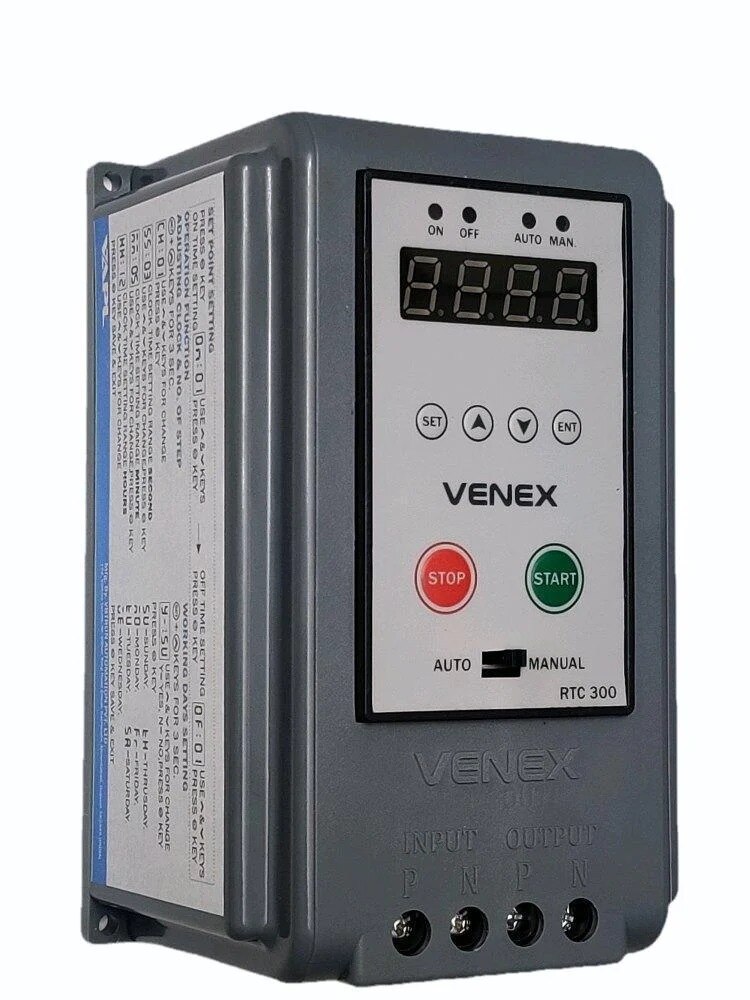
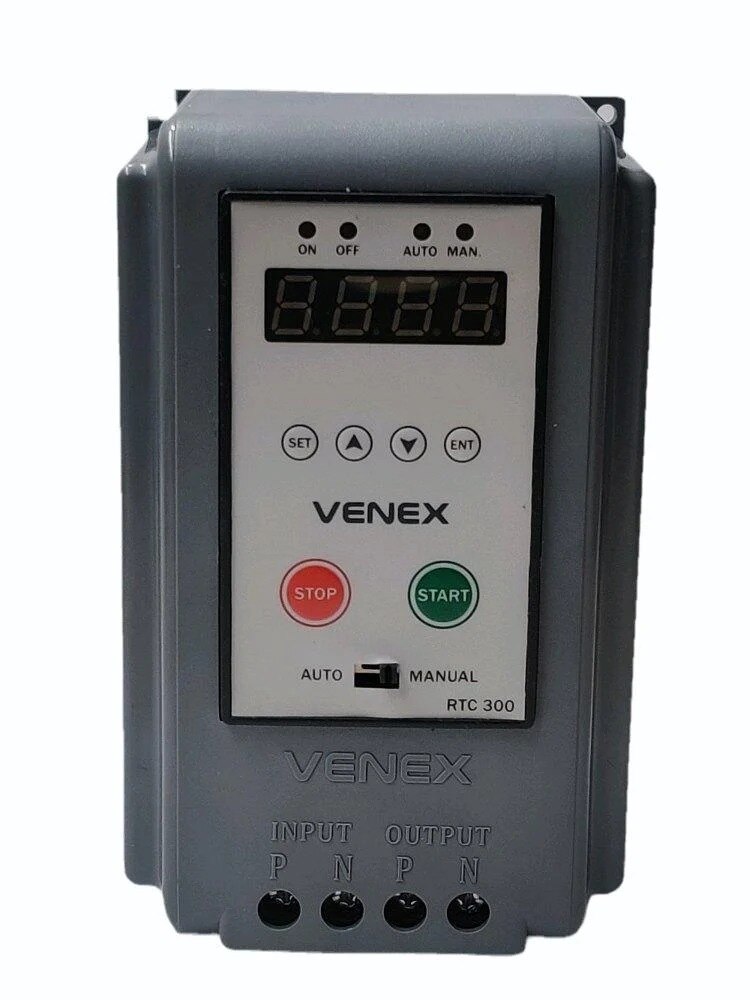
Introducing the VENEX RTC 300 Digital Timer Switch — a smart and easy-to-use programmable timer switch designed for automatic ON/OFF control of electrical devices based on real-time scheduling.
Main Features
Auto / Manual Operation Mode
Real Time Clock Display
Automatic ON/OFF Scheduling
Battery Backup Memory
Easy Programming & Installation
Heavy Duty Relay Output
Single Phase 230V AC Operation
20 Amp Load Capacity
Working Function
Auto Mode
In Auto Mode, the device automatically turns ON and OFF according to the programmed real-time schedule.
The load will start automatically at the programmed ON time.
The load will stop automatically at the programmed OFF time.
Manual Mode
In Manual Mode, the connected device can be operated manually using the switch.
Display & Indications
The RTC 300 provides:
Real Time Clock Display
Power Supply Indication
Relay Output Status Indication (Load ON/OFF Status)
Electrical Specifications
Input Supply: Phase & Neutral
Output Supply: Phase & Neutral
Operating Voltage: Single Phase 230V AC
Load Capacity: 20 Amp
Programming Method
Real Time Setting
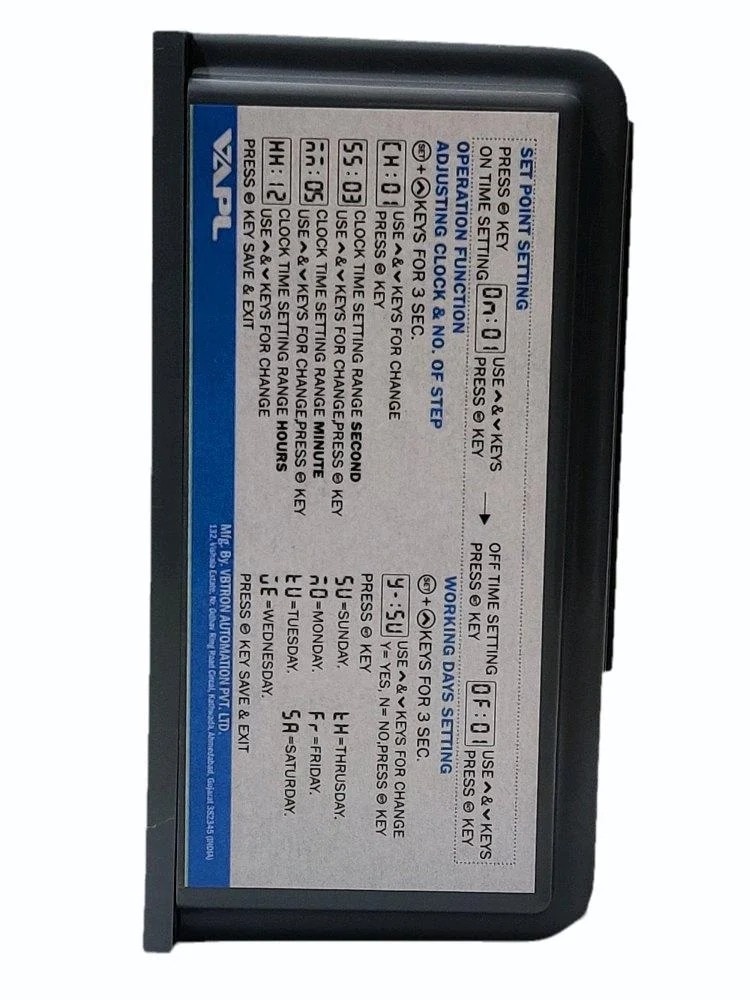
To enter Real Time Setting Mode:
Press and hold the SET Key + UP Key together for 5 seconds.
Then the following functions will appear one by one:
CH1 → Channel Selection
You can select channels from 1 to 16 according to the number of ON/OFF operations required during the day.
SS → Seconds Setting
Set the current running seconds.
MM → Minutes Setting
Set the current running minutes.
HH → Hours Setting
Set the current running hours in 24-hour format.
Example: If the current time is 4:00 PM, set: 16:00
DAY → Day Selection
Select the current running day such as: Sunday, Monday, Tuesday, etc.
After completing all settings, press the SET Button again to save the program.
Day Selection Function
To enter Day Selection Mode:
Press and hold the SET Button + DOWN Key together.
Using this function, you can select:
Which days the timer should operate
Which days the timer should remain OFF
Settings are shown as:
Y = Yes (Enable)
N = No (Disable)
Additional Information
Inbuilt Battery Backup saves settings during power failure.
Easy to install and user friendly operation.
Suitable for industrial, commercial, and home automation applications.
A complete setup and programming video is also available on YouTube.
Search on YouTube: VENEX RTC 300
You can watch the full demonstration and installation guide on the official VENEX channel.
Manufactured by VENEX Electricals.